Category: Technical

Posts related to programming or other highly technical stuff that can only be of interest to computer geeks.

  • For those cases in which there can be one and only one record on the database with certain fields and I don’t just want to get the first one and silently get the wrong one. I want to make sure there’s one and only one, so, I wrote this little extension to ActiveRecord that does exactly that:

    [code lang=”ruby”]
    module ActiveRecordExtension
    extend ActiveSupport::Concern

    class_methods do
    def one_and_only
    records = limit(2).all.to_a
    if records.count > 1
    raise "#{self} generated more than one record when expecting only one."
    else
    records.first
    end
    end

    def one_and_only!
    one_and_only.tap do |record|
    if record.nil?
    raise "#{self} didn’t generate any records."
    end
    end
    end
    end
    end

    ActiveRecord::Base.send(:include, ActiveRecordExtension)
    [/code]
    The first method, one_and_only, will raise an exception if there’s more than one item but it’ll return null if there aren’t any. one_and_only! will fail if there isn’t exactly one and only one record in the database.

    If you don’t know why I’m calling this The Highlander query, you should go and watch Christopher Lambert’s masterpiece.
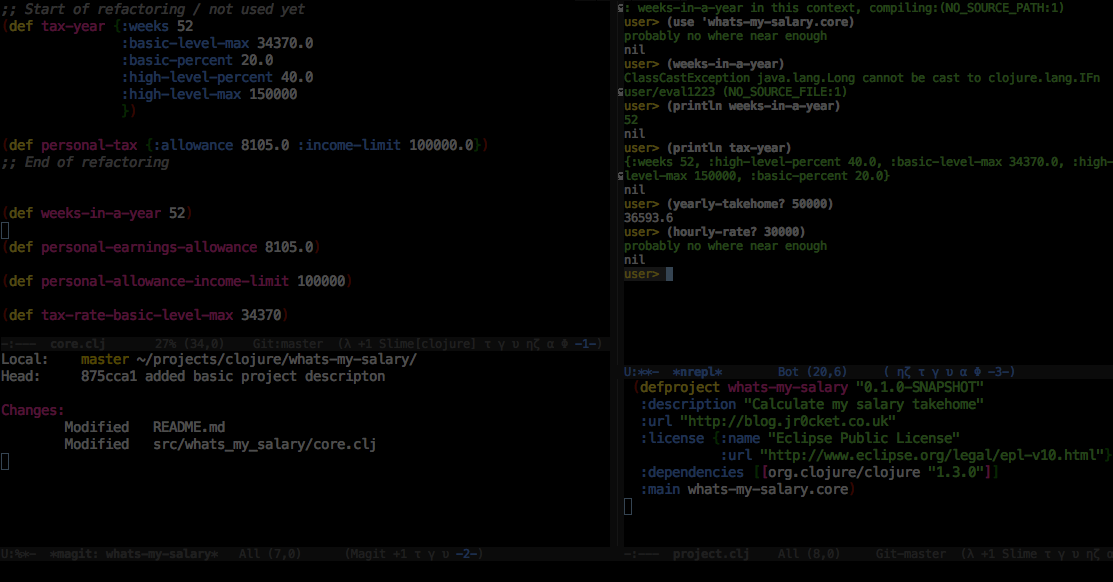
  • Emacs is a very powerful text editor and its popularity amongst Clojurians is easily understood. Emacs has a long tradition in the Lisp communities as it’s written, in a big part, in a flavor of Lisp called Emacs Lisp.

    Because of its history, it handles Lisp code wonderfully, with automatic correct indentation, paraedit, integration with REPLs, etc. But Emacs is really hard to use.

    Yeah, most Clojurians know how to use it by now and they suffer from bias: “it’s not that hard” they say. Learning Emacs or Clojure is hard enough. Combining them is insane.

    Many Clojurians also say it’s worth it. And again, I think they are biased. Human brains are very good at forgetting pain. Other editors these days are also very powerful and although not as much as Emacs, their usage is intuitive so you can achieve a higher level of proficiency just by using it, without spending time and effort in becoming better at it.

    The way Emacs is hurting Clojure is by Clojurians maintaining this myth that you need to use Emacs for Clojure. This is not done by simple statements but by a general culture of jokes saying things such as “you are wrong if you don’t use emacs”.

    Me, personally, I don’t care what editor you use. If you want to learn Emacs, go for it. Intellij and Cursive is much easier to use and almost as powerful. When I compare myself to another clojurian, productivity is generally decided by knowledge of the language and libraries, not the editor. If you want to use another editor, so be it. It’s better if they understand Lisp code but it’s not a deal breaker for learning Clojure.

    I do care about the success and popularity of Clojure. Coupling the growth of the language to the use of an editor that is hard to use and non intuitive makes no sense. It’s hurting us. Even if you are an Emacs power user, when you talk to a Clojure newbie, please, don’t push it down their throats.

    Thank you.

  • Call to Buzz, like many applications I developed before, sends emails. Lot’s of emails. To avoid accidentally emailing a customer or random person I use mail_safe. It’s one of the first gems I install on a Rails project and you should too. mail_safe re-writes the to-header so you end up receiving all the emails that you sent.

    Once you are receiving all these emails, there’s another problem. They are likely to have exactly the same subject, so, mail clients are likely to group them in threads, which can be annoying. To avoid that, I added this to my ApplicationMailer class and voila! all emails have a unique subject:

    [code language=”ruby”]
    if Rails.env.development?
    after_action :uniq_subjects_in_development

    def uniq_subjects_in_development
    mail.subject += " #{SecureRandom.uuid}"
    end
    end
    [/code]

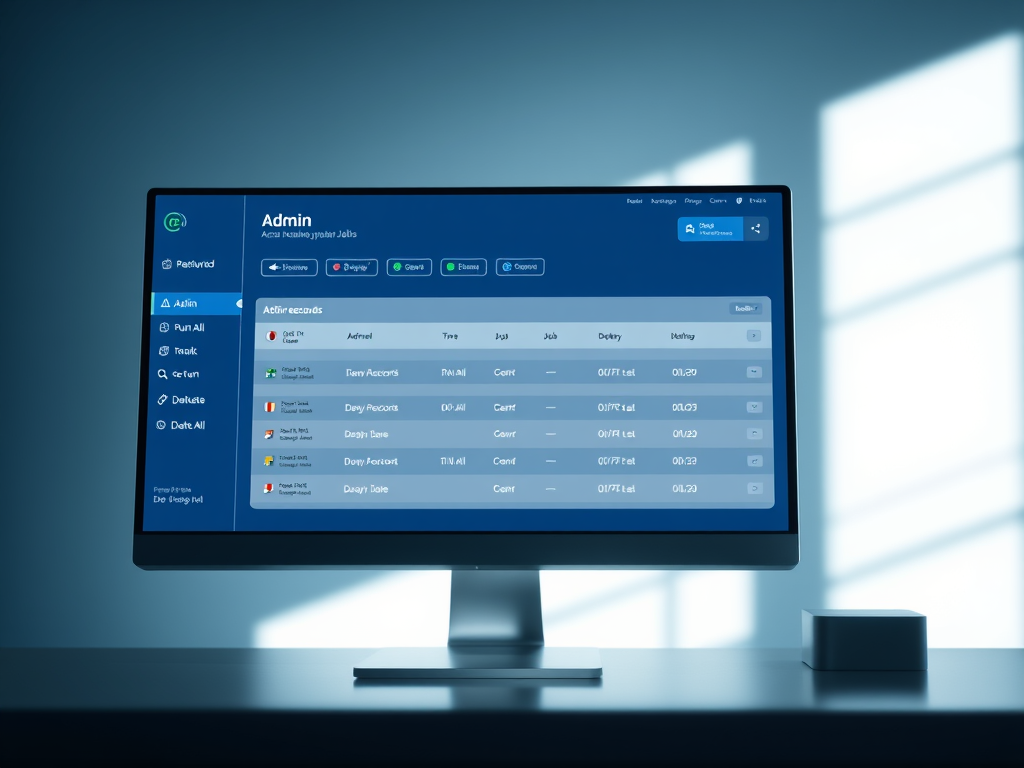
  • I’ve been using both Active Admin and Delayed::Job for years now and both have served me very well. It’s very common for me to want to display job records in the admin tool and have some extra tools around them such as:

    • the ability to mark them all for re-run
    • the ability to run one manually (not recommended for production)
    • the ability to run them all manually (also not recommended for production)
    • an easy way to delete them all
    • a good view of the data inside the job

    To achieve this, over the years, my admin/delayed_job.rb grew and I took it from project to project. Today I want to share it with you in case you are doing the same:

    ActiveAdmin.register Delayed::Job, as: "DelayedJob" do
      collection_action :run_all, method: :post do
        successes, failures = Delayed::Worker.new.work_off
        if failures > 0
          flash[:alert] = "#{failures} failed delayed jobs when running them."
        end
        if successes > 0
          flash[:notice] = "#{successes} delayed jobs run successfully"
        end
        if failures == 0 && successes == 0
          flash[:notice] = "Yawn... no delayed jobs run"
        end
        redirect_to admin_delayed_jobs_url
        I18n.locale = :en # Running delayed jobs can mess up the locale.
      end
    
      if Rails.env.development?
        collection_action :delete_all, method: :post do
          n = Delayed::Job.delete_all
          redirect_to admin_delayed_jobs_url, notice: "#{n} jobs deleted."
        end
      end
    
      collection_action :mark_all_for_re_run, method: :post do
        n = Delayed::Job.update_all("run_at = created_at")
        redirect_to admin_delayed_jobs_url, notice: "Marked all jobs (#{n}) for re-running."
      end
    
      member_action :run, method: :post do
        delayed_job = Delayed::Job.find(params[:id])
        begin
          delayed_job.invoke_job
          delayed_job.destroy
          redirect_to admin_delayed_jobs_url, notice: "1 delayed job run, apparently successfully, but who knows!"
        rescue => e
          redirect_to admin_delayed_jobs_url, alert: "Failed to run a delayed job: #{e.to_s}"
        end
        I18n.locale = :en # Running delayed jobs can mess up the locale.
      end
    
      action_item do
        links = link_to("Run All Delayed Jobs", run_all_admin_delayed_jobs_url, method: :post)
        links += (" " + link_to("Mark all for re-run", mark_all_for_re_run_admin_delayed_jobs_url, method: :post)).html_safe
        links += (" " + link_to("Delete All Delayed Jobs", delete_all_admin_delayed_jobs_url, method: :post)).html_safe if Rails.env.development?
        links
      end
    
      index do
        selectable_column
        id_column
        column "P", :priority
        column "A", :attempts
        column("Error", :last_error, sortable: :last_error) { |post| post.last_error.present? ? post.last_error.split("\n").first : "" }
        column(:created_at, sortable: :created_at) { |job| job.created_at.iso8601.gsub("T", " ") }
        column(:run_at, sortable: :run_at) { |post| post.run_at.present? ? post.run_at.iso8601.gsub("T", " ") : nil }
        column :queue
        column("Running", sortable: :locked_at) { |dj| dj.locked_at.present? ? "#{(Time.now - dj.locked_at).round(1)}s by #{dj.locked_by}" : "" }
        actions
      end
    
      show title: ->(dj) { "Delayed job #{dj.id}" } do |delayed_job|
        panel "Delayed job" do
          attributes_table_for delayed_job do
            row :id
            row :priority
            row :attempts
            row :queue
            row :run_at
            row :locked_at
            row :failed_at
            row :locked_by
            row :created_at
            row :updated_at
          end
        end
    
        panel "Handler" do
          begin
            pre delayed_job.handler
          rescue => e
            div "Couldn't render handler: #{e.message}"
          end
        end
    
        panel "Last error" do
          begin
            pre delayed_job.last_error
          rescue => e
            div "Couldn't render last error: #{e.message}"
          end
        end
    
        active_admin_comments
      end
    
      form do |f|
        f.inputs("Delayed job") do
          f.input :id, input_html: { readonly: true }
          f.input :priority
          f.input :attempts
          f.input :queue
          f.input :created_at, input_html: { readonly: true }, as: :string
          f.input :updated_at, input_html: { readonly: true }, as: :string
          f.input :run_at, input_html: { readonly: true }, as: :string
          f.input :locked_at, input_html: { readonly: true }, as: :string
          f.input :failed_at, input_html: { readonly: true }, as: :string
          f.input :locked_by, input_html: { readonly: true }
        end
    
        f.buttons
      end
    
      controller do
        def update
          @delayed_job = Delayed::Job.find(params[:id])
          @delayed_job.assign_attributes(params[:delayed_job], without_protection: true)
          if @delayed_job.save
            redirect_to admin_delayed_jobs_url, notice: "Delayed job #{@delayed_job} saved successfully"
          else
            render :edit
          end
          I18n.locale = :en # Running delayed jobs can mess up the locale.
        end
      end
    end
  • Ruby on Rails has a very convenient way of presenting a dialog for potentially dangerous tasks that require some confirmation before proceeding. All you have to do is add

    [code language=”ruby”]
    data: {confirm: "Are you sure?"}
    [/code]

    A problem with those, though, is that most (all?) browsers make the dialogs quite ugly:

    Call to Buzz - ugly dialog

    For Call to Buzz, I wanted to finally have something better. Thankfully, there’s a very simple solution, as long as you are using Bootstrap: Twitter::Bootstrap::Rails::Confirm. You just add it to your project and the dialog now looks like this:

    Call to Buzz - bootstrap dialog

    That looks much better, but it’d be nice if it had a nice title, better matching buttons, etc. It’s easy to do by adding some data attributes to the link and the documentation for this gem recommends creating a new method to use instead of link_to when deleting something. I wasn’t very happy with this approach so I resolved it with pure JavaScript so my links remain oblivious to the fact that I’m using this gem:

    [code language=”javascript”]
    $(document).ready(function () {
    $("a[data-confirm]").data({
    "confirm-fade": true,
    "confirm-title": "Call to Buzz"
    });
    $("a[data-method=delete]").data({
    "confirm-title": "Warning",
    "confirm-cancel": "Cancel",
    "confirm-cancel-class": "btn-cancel",
    "confirm-proceed": "Delete",
    "confirm-proceed-class": "btn-danger"
    });
    });
    [/code]

    And with that, the dialog now looks like this:

    Call to Buzz - much better bootstrap dialog

    Update: Later on I wanted to be able to define some extra parameters on a link, such as:

    [code language=”ruby”]
    data: {confirm: "Are you sure you want to disconnect?", confirm_proceed: "Disconnect"}
    [/code]

    To achieve that I re-wrote the code that dynamically adds the extra confirm parameters to look like this (this uses jQuery 3, on earlier version you’d have to do confirm-fade instead of confirmFade):

    [code language=”javascript”]
    $("a[data-confirm]").each(function (_, link) {
    var $link = $(link);
    var data = $link.data();
    data = $.extend({}, {
    "confirmFade": true,
    "confirmTitle": "Call to Buzz"
    }, data);
    if ($link.data("method") == "delete") {
    data = $.extend({}, {
    "confirmTitle": "Warning",
    "confirmCancel": "Cancel",
    "confirmCancelClass": "btn-cancel",
    "confirmProceed": "Delete",
    "confirmProceedClass": "btn-danger"
    }, data);

    }
    $link.data(data);
    });
    [/code]

  • If you are using Simple Form and Bootstrap 3, you probably initialized your app with something similar to:

    [code language=”bash”]
    rails generate simple_form:install –bootstrap
    [/code]

    which adds a file called simple_form_bootstrap.rb to your application with many customizations that make Simple Form output nicely formatted Bootstrap 3 forms.

    For Call to Buzz, an app I’m building, I had several booleans to display, like this:

    Call to Buzz booleans

    My problem was that I wanted a label to explain what those booleans are, something like this:

    Call to Buzz booleans with label

    I achieved that by creating a wrapper that’s a mix between :horizontal_boolean and horizontal_radio_and_checkboxes which I called horizontal_boolean_with_label and looks like this:

    [code language=”ruby”]
    config.wrappers :horizontal_boolean_with_label, tag: "div", class: "form-group", error_class: "has-error" do |b|
    b.use :html5
    b.optional :readonly

    b.use :label, class: "col-sm-3 control-label"

    b.wrapper tag: "div", class: "col-sm-9" do |wr|
    wr.wrapper tag: "div", class: "checkbox" do |ba|
    ba.use :label_input
    end

    wr.use :error, wrap_with: {tag: "span", class: "help-block"}
    wr.use :hint, wrap_with: {tag: "p", class: "help-block"}
    end
    end[/code]

  • You build a product, a web or a mobile app and then you need to build a web site to promote it, a.k.a.: the web site. There are several ways of building and maintaining this web site and I have tried most of them and today I have strong opinions about how to do it.

    One alternative is to build a custom website as a bunch of HTML and CSS produced by a graphics designer and a coder. Maybe with some server side functionality. If you are building a web app, you might be tempted to mix the web presence with the web app. A lot of tech startups go this route because they have the talent and because it’s the only way to achieve the pristine look that everybody wants and that the industry giants, such as Apple, have.

    This is a mistake. The mistake is not considering the process of the evolution of this web site. We only think of the initial task of building it and that tends to be easily achievable, but after that is when the problems really start. Marketing and sales will want constant modifications to that web site both in terms of content and look and feel. They’ll want new landing pages, different kind of analytics. Sometimes they’ll want to scrap the whole thing and start over. This is part of their job and you should just let them do it.

    The problem of having the developers of the startup also develop the website is that they need to maintain it and if your marketing/sales people are active enough, they can easily generate enough modifications for a full time person. But your developer needs to be working on the product, not the website. Most changes requested by marketing are going to be relatively small and not as important as improving the product, which means your web presence will be neglected and your marketing person will get annoyed.

    The answer is to have CMS and give write access to market and sales. Whether the CMS is WordPress or SquareSpace or something else, it doesn’t matter. I would even recommend to not host it yourself so that the marketing/sales department have a support department that can help them with issues that is not your development team.

    This approach will not look as clean, it might feel a bit clunky and people inside and outside the organization are going to constantly fight it. If this is your choice, you’ll have a tough time defending it. I found myself repeating the contents of this blog post to many people over and over again and this is why I’m writing it.

  • Rails 4.1 introduced the concept of secrets.yml, a file in which you store all the credentials for your app, separated by environment, so for example, development can talk to Test Stripe and production to Live Stripe. Furthermore, this file is capable of picking up environment variables which allows you to divorce credentials from code. Not properly separating credentials from code recently cost Uber the leakage of 50,000 driver names and license numbers.

    At Qredo we are very strict about handling credentials, including the ones for SMTP, which in Rails projects are normally stored in config/environments/development.rbconfig/environments/production.rb, etc. Trying to read Rails.application.secrets from those files doesn’t work, because they are loaded before the secrets, so, we came up with this alternative solution.

    The environment files that need to use SMTP for delivering email have this common configuration:

    config.action_mailer.delivery_method = :smtp
    config.action_mailer.smtp_settings = {
      address: "smtp.example.com",
      port: 587,
      authentication: "plain",
      enable_starttls_auto: true
    }

    and then, on config/initializers/email.rb we finish configuring our SMTP credentials by reading it from secrets.yml:

    if ActionMailer::Base.delivery_method == :smtp
      ActionMailer::Base.smtp_settings[:domain]    = Rails.application.secrets.smtp_domain
      ActionMailer::Base.smtp_settings[:user_name] = Rails.application.secrets.smtp_user_name
      ActionMailer::Base.smtp_settings[:password]  = Rails.application.secrets.smtp_password
    end
    

    In config/secrets.yml you need set those credentials:

    development:
      secret_key_base: 123...
      smtp_domain: example.org
      smtp_user_name: [email protected]
      smtp_password: <%= ENV["SMTP_PASSWORD"] %>
    
    test:
      secret_key_base: c7f3f62597b14c7287d75c239168fd3a89d3a6cb51beb909679c2609e912aaa3ca0a0aa5df2e191648baed6fe49698527a75dd265d222697576405971f478c98
    
    staging:
      secret_key_base: <%= ENV["SECRET_KEY_BASE"] %>
      smtp_domain: example.net
      smtp_user_name: [email protected]
      password: <%= ENV["SMTP_PASSWORD"] %>
    
    production:
      secret_key_base: <%= ENV["SECRET_KEY_BASE"] %>
      smtp_domain: example.com
      smtp_user_name: [email protected]
      smtp_password: <%= ENV["SMTP_PASSWORD"] %>

    And that’s it! Enjoy bringing SMTP credentials into Rails >4.0 secrets management.

  • This is an update of an old post of similar name but for a newer version of Devise and with better design decisions. The old post was for Devise 1.0.8, this one covers 4.0.0

    I was trying to have a single page with both sign in and sign up forms with Devise 4.0.0 but this applies to whenever you want to show log in or registering individually or together anywhere on your site other than the views and controllers Devise creates for you.

    For my task, I created a custom controller for it with a single new action as the create actions would be in the respective already existing Devise controllers. Something like this:

    class Users::SessionsOrRegistrationsController < ApplicationController
      def new
      end
    end

    And then I created a new.html.erb (actually, new.html.haml, but I digress) that contained both log in and sign up one after the other. Something like this:

    <h2>Sign up</h2>
    
    <%= form_for(resource, as: resource_name, url: registration_path(resource_name)) do |f| %>
      <%= devise_error_messages! %>
    
      <div class="field">
        <%= f.label :email %>
        <%= f.email_field :email, autofocus: true %>
      </div>
    
      <div class="field">
        <%= f.label :password %>
        <% if @minimum_password_length %>
          <em>(<%= @minimum_password_length %> characters minimum)</em>
        <% end %>
        <%= f.password_field :password, autocomplete: "off" %>
      </div>
    
      <div class="field">
        <%= f.label :password_confirmation %>
        <%= f.password_field :password_confirmation, autocomplete: "off" %>
      </div>
    
      <div class="actions">
        <%= f.submit "Sign up" %>
      </div>
    <% end %>
    
    <hr/>
    
    <h2>Log in</h2>
    
    <%= form_for(resource, as: resource_name, url: session_path(resource_name)) do |f| %>
      <div class="field">
        <%= f.label :email %>
        <%= f.email_field :email, autofocus: true %>
      </div>
    
      <div class="field">
        <%= f.label :password %>
        <%= f.password_field :password, autocomplete: "off" %>
      </div>
    
      <% if devise_mapping.rememberable? %>
        <div class="field">
          <%= f.check_box :remember_me %>
          <%= f.label :remember_me %>
        </div>
      <% end %>
    
      <div class="actions">
        <%= f.submit "Log in" %>
      </div>
    <% end %>

    I actually ended up creating two _form partials and including them. In either case, when you try to render those views, you’ll get errors about some missing methods. You need to provide those as helper methods so my controller actually looks like this:

    class Users::SessionsOrRegistrationsController < ApplicationController
      def new
      end
    
      private
    
      def resource_name
        :user
      end
      helper_method :resource_name
    
      def resource
        @resource ||= User.new
      end
      helper_method :resource
    
      def devise_mapping
        @devise_mapping ||= Devise.mappings[:user]
      end
      helper_method :devise_mapping
    
      def resource_class
        User
      end
      helper_method :resource_class
    end

    And now it works.

  • We just released to-jdbc-uri 0.5.0 with support for URL parameters. Courtesy of Joe Kutner.

    I’d like to note, sometimes I hear that the Clojure community doesn’t care about testing, but to-jdbc-uri has a very complete testing suite and so far, this and other contributions came fully tested.